
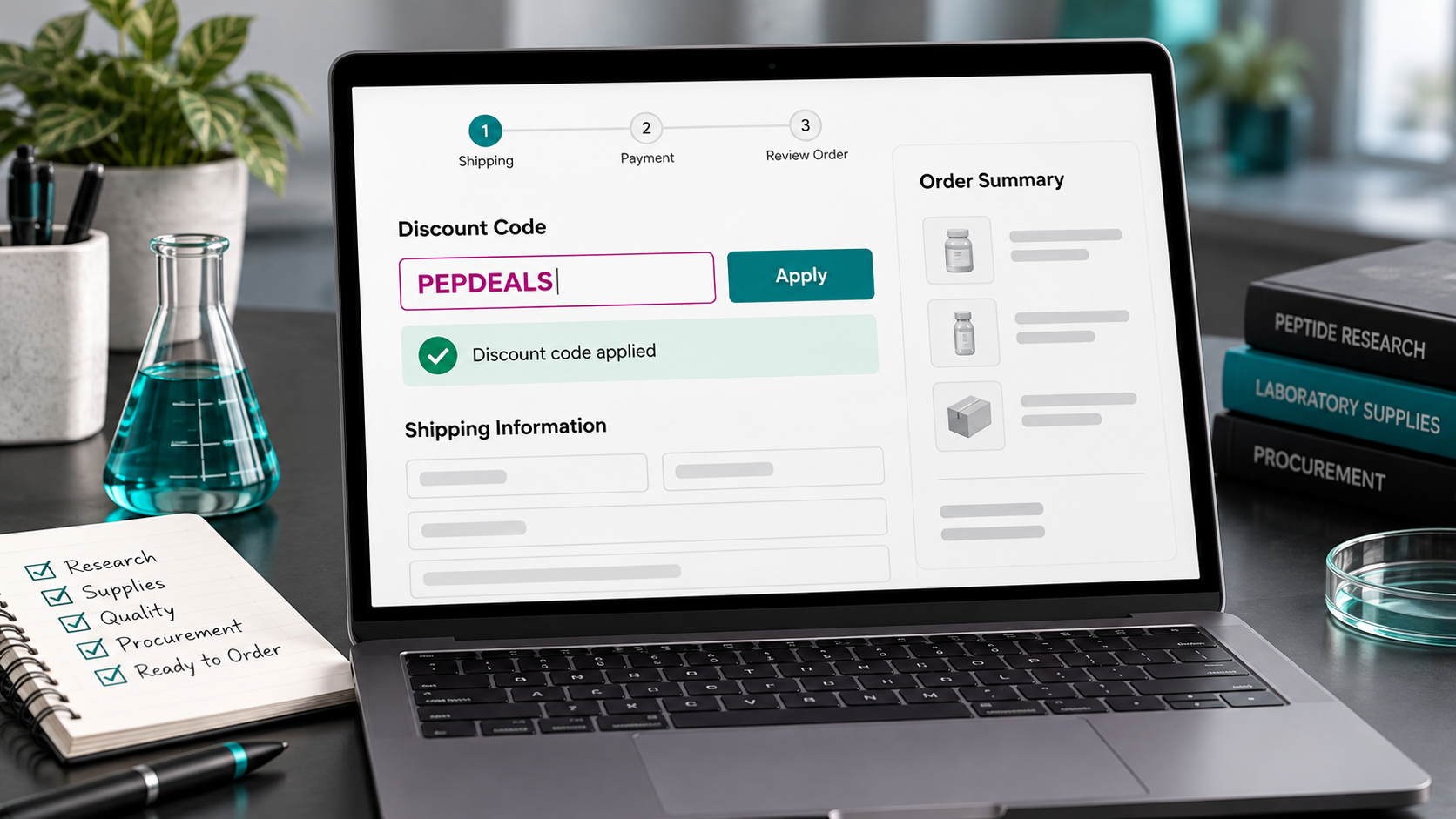
To use peptide discount codes at checkout, add the eligible research items to your cart, enter the code in the coupon field, select Apply, and confirm the reduction in the order summary before submitting payment. Typing a code into the box does not necessarily apply it.
Use code PEPDEALS where accepted. Each supplier sets its own percentage, exclusions and stacking rules. This guide concerns laboratory research procurement. Research-use-only materials are not for human or animal use.
1. Check the offer before building your cart
Find the supplier in the PepDiscounts vendor directory and read its current coupon details. Check the percentage, eligible products, minimum spend and any restrictions on sale items, packs or subscriptions. Then compare those terms with the supplier’s own current offer.
Do not assume every vendor uses the same rules simply because the code is the same. PEPDEALS may apply to regular-price items at one supplier and eligible sale items at another. A separate first-order code also needs its own eligibility check; it is not automatically an extra discount.
For dated promotions, check the end date and timezone. If a banner and checkout disagree, pause and ask the supplier rather than relying on an older search result or assuming the advertised reduction will be added later.
2. Add the exact products and quantities
Select the intended research compound, stated strength, format and pack size. Check the cart carefully: a five-vial pack is different from five packs, and a capsule listing is different from a lyophilized-vial listing.
For an offer that requires matching items, follow the seller’s written instructions. Some promotions require two units in the cart; others add the promotional item automatically. There is no universal BOGO process, so check the quantity received as well as the amount charged.
3. Find the coupon field
Look for a field labeled Coupon code, Promo code or Discount code. Depending on the store, it may appear in the cart, at checkout, or inside a collapsed order-summary panel on mobile. Expand the summary if the field is hidden.
If an accelerated payment option takes you past the coupon field, return to the standard cart or checkout to review the promotion. You should be able to inspect the full order before authorizing payment. Some vendors require an eligible research account before showing their catalog or checkout.
4. Enter PEPDEALS and select Apply
Type PEPDEALS exactly, without quotation marks or extra spaces, then select Apply. Wait for the order summary to refresh. Look for both a confirmation and an actual discount amount.
If the store reports that the code is already applied, inspect the existing discount line instead of entering it repeatedly. If you arrived through a promotional link, the code may already be present, but the link alone does not prove it changed your total.
5. Verify the discount math
Use the eligible subtotal as the starting point. A 10% code applied to $100 of eligible items should reduce that subtotal by $10. Shipping, tax and excluded items may be outside the discount calculation.
Illustrative mixed-cart example: A cart contains $80 of eligible items and a $20 excluded item. A 10% coupon on the eligible portion saves $8, leaving $92 before shipping and tax. It does not save $10 simply because the full cart was $100. These numbers are examples, not current vendor prices.
When stacking is explicitly permitted, percentage discounts usually apply sequentially. A $100 eligible item reduced by a 15% sale becomes $85. Another 10% off that reduced price saves $8.50, leaving $76.50: a combined 23.5% reduction. Do not apply the sale again if the displayed price already includes it.
Use the peptide price comparison tool as a starting estimate, then reconcile the result with the vendor’s current checkout. Saved catalog prices, availability and promotion rules can change.
6. Recheck shipping and the final total
Enter the correct destination and review the available shipping choices. Check whether a free-shipping threshold is calculated before or after discounts. A coupon can reduce the eligible merchandise total below a threshold, changing the delivery charge.
Review the final amount again after choosing a payment method. Keep any optional payment savings or processing fees separate from the coupon reduction. Future reward points are different from money taken off the order you are paying for now.
If your peptide discount code is rejected
Invalid or not found: Re-enter the code without spaces and confirm it belongs to that supplier.
Minimum spend not met: Check whether excluded products or existing discounts reduce the qualifying subtotal.
Not valid for these items: Review sale, bundle, pack and subscription exclusions.
Cannot combine offers: Compare the permitted options separately; do not assume another code stacks.
Customer restriction: Check first-order, account or prior-use conditions.
If the written terms say your cart qualifies but the code still fails, contact the vendor with the exact items, quantities and error message. A screenshot of the summary can help; hide payment and personal details before sharing it. Do not place an order solely to test whether a discount will be refunded afterward.
Frequently asked questions
What percentage does PEPDEALS save?
It varies by vendor. Peptira’s October 20, 2026 offer details on PepDiscounts list an extra 10% on eligible featured sale items. This is a dated example, not a universal rate or a guarantee for every cart. Check the current supplier terms.
Can I enter two coupon codes?
Only if that store permits it and both offers are eligible. An automatic sale plus one coupon is different from entering two coupon codes.
What if I already paid without the code?
Ask the vendor whether it offers an adjustment. Retroactive discounts are subject to its policy; do not assume an adjustment is guaranteed.
For help finding an offer before reaching checkout, read Best Peptide Coupon Codes: Where to Find Them. Keep the supplier’s batch documentation and procurement requirements ahead of the discount; a code does not establish product quality or suitability.

Leave a Reply